

Managing ecommerce imagery across large product catalogs can quickly become overwhelming. Coordinating photoshoots, organizing product variants, updating PDP imagery, and launching seasonal collections often creates production bottlenecks for ecommerce and creative teams.
With Projects / Bulk Upload in ALL3D, brands can now generate product-accurate lifestyle imagery, studio/silo shots, dimension overlays, and product variants at scale — all from a single CSV upload workflow.
This feature is designed to help ecommerce teams streamline large SKU uploads, organize projects more efficiently, and create visuals faster than traditional production workflows.
👉 Watch the full step-by-step Projects / Bulk Upload tutorial below.
What Is Projects / Bulk Upload?
Projects / Bulk Upload is ALL3D’s scalable workflow for generating large volumes of AI-powered ecommerce imagery simultaneously.
Instead of uploading and configuring products individually, teams can now upload entire product catalogs through a CSV file and configure image generation settings across hundreds or thousands of SKUs in a single workflow.
Brands can generate:
- Product-accurate lifestyle imagery
- Studio and silo product shots
- Dimension overlay imagery
- Product variants and material changes
- AI-generated room scenes
- Ecommerce-ready PDP imagery
The workflow is designed specifically for ecommerce and furniture brands managing large product assortments and complex visual pipelines.
Step 1: Download the CSV Template
The workflow begins with a downloadable CSV template that can be opened in Google Sheets or Excel.
Each row represents a product and can include:
- Product name
- SKU
- Product image URLs
- Additional reference imagery
- Product dimensions
- Measurement units
- Inspiration images
- Generation prompts
- Assigned team members
- Generation modes
Teams can keep the upload simple with only a product name and image, or configure advanced workflows with detailed prompts, dimensions, and references.
This flexibility allows brands to quickly scale ecommerce product image generation while maintaining visual consistency across large catalogs.
Step 2: Upload the CSV into ALL3D
Once the CSV is completed, simply drag and drop the file into the Projects / Bulk Upload workflow inside ALL3D.
The platform automatically expands the CSV into editable product rows, pulling in:
- Product names
- Images
- Dimensions
- SKUs
- Existing references
Products missing dimensions or prompts can still be uploaded and configured directly within the platform after import.
Step 3: Configure Lifestyle, Studio, or Dimension Overlay Modes
One of the biggest advantages of Projects / Bulk Upload is the ability to generate multiple image types within a single workflow.
Brands can create:
Lifestyle Imagery
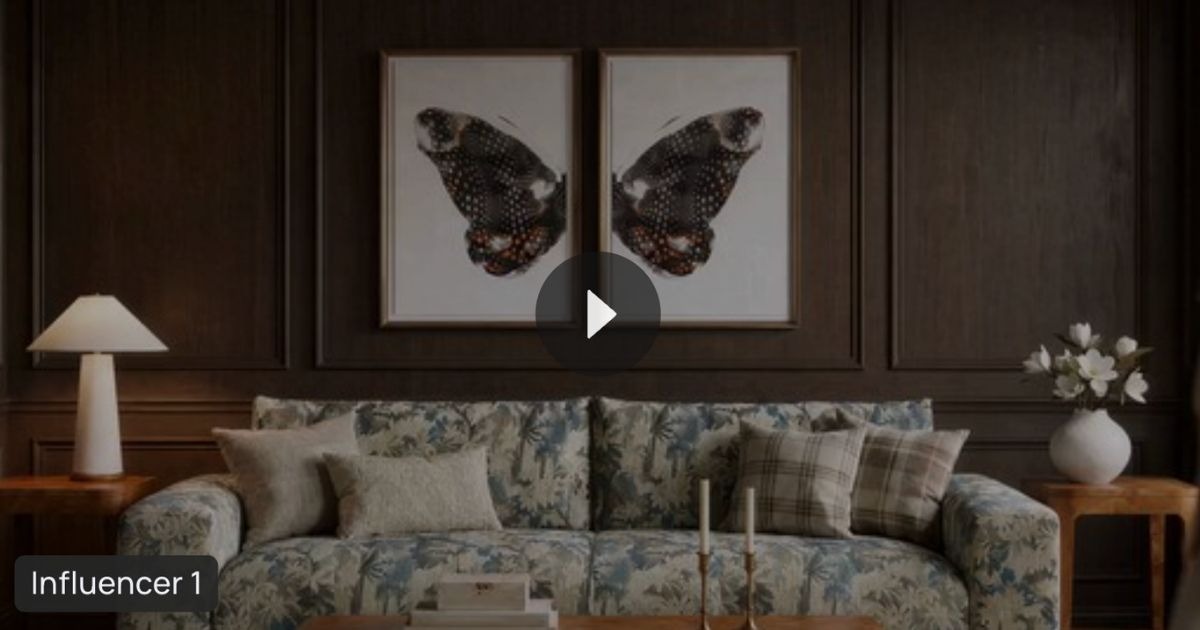
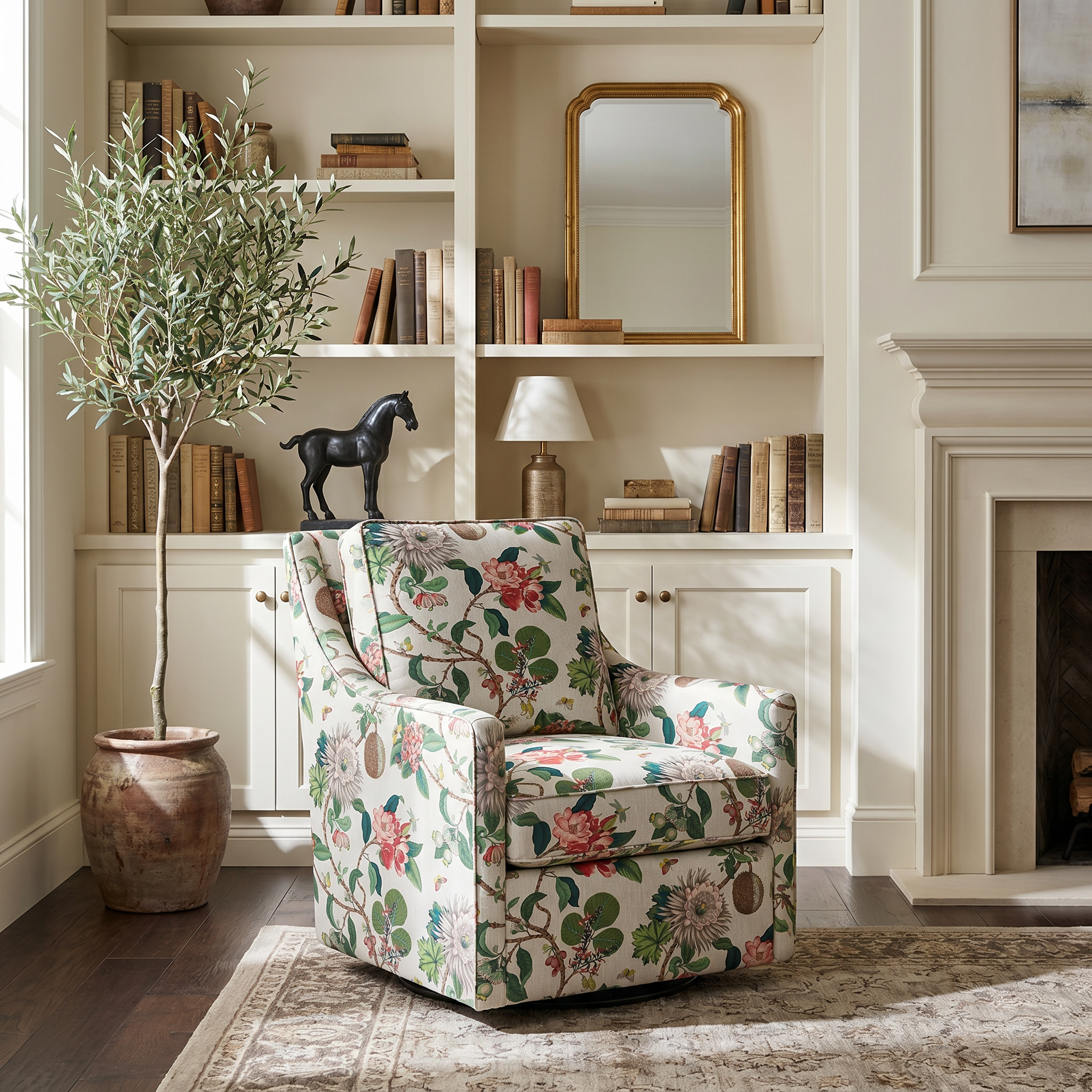
Generate product-accurate room scenes using inspiration images, prompts, and configurable props.
Need help sourcing inspiration imagery?
👉 How to find inspiration for AI images
Studio / Silo Product Images
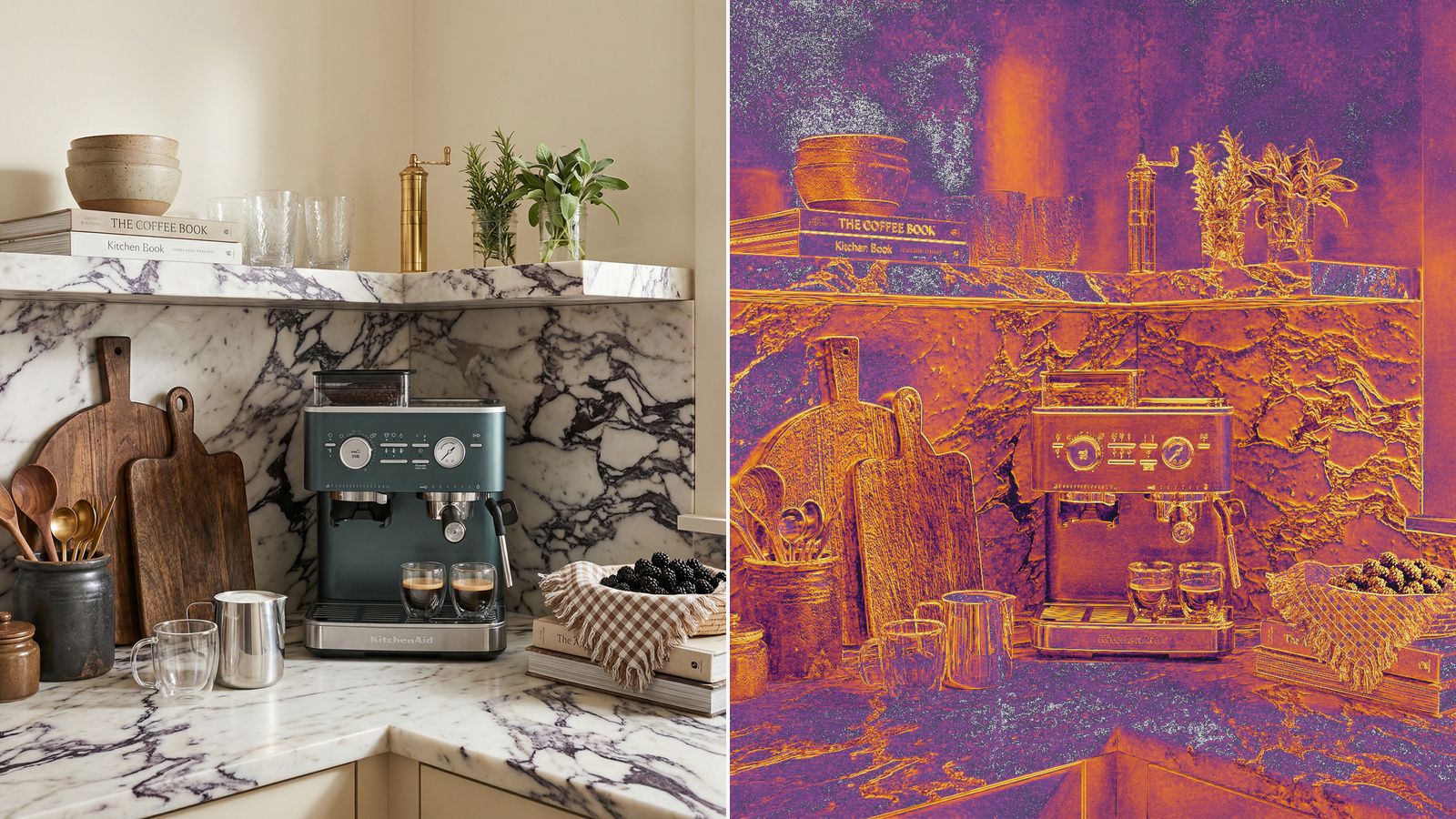
Create clean ecommerce product imagery on white, sweep, or studio-style backgrounds for PDPs and marketplaces.
Dimension Overlay Images
Automatically generate dimension overlays for furniture and home products to help customers better understand scale and fit.
This helps ecommerce teams standardize PDP imagery while reducing dependency on physical studio production.
Step 4: Create Product Variants at Scale
Managing product variants across colors, materials, and finishes is one of the biggest challenges for ecommerce brands.
Projects / Bulk Upload allows teams to generate product variants directly within the workflow by applying:
- Material changes
- Fabric swaps
- Finish changes
- Size variations
- Additional product references
Instead of scheduling separate photoshoots for every SKU variation, brands can generate consistent product imagery across entire collections from existing product photography or 3D assets.
This helps reduce production bottlenecks while improving PDP completeness and visual consistency.
Step 5: Use Filters and Bulk Editing Tools
Projects / Bulk Upload also includes filtering and bulk-editing functionality that allows teams to configure large product groups simultaneously.
Teams can:
- Filter products by category or SKU type
- Apply the same inspiration image across multiple products
- Assign shared props across rows
- Change generation modes in bulk
- Update prompts and references simultaneously
This dramatically reduces manual production work and helps creative teams manage large-scale ecommerce image generation workflows more efficiently.
Step 6: Review Generation Counts and Launch
Before launching a bulk generation, ALL3D provides a real-time estimated generation count and production summary.
Teams can configure:
- Number of images per SKU
- AI model selection
- Assigned users
- Product-specific prompts
Once complete, products are automatically generated into the Product Library where teams can monitor generation progress and review outputs as they are completed.
Multiple AI Models, One Platform
ALL3D supports multiple leading AI image models within a single workflow, including:
- GPT Image 2
- Nano Banana
- Flux
Instead of switching between separate tools and licenses, teams can generate and compare outputs within one centralized platform.
Want to compare models?
👉 ALL3D vs Gemini
You can also learn more about the latest GPT model here:
👉 GPT Image 2 in ALL3D
Designed for Ecommerce Teams Managing Large Catalogs
Projects / Bulk Upload was built specifically for ecommerce and furniture brands that need to manage:
- Large SKU counts
- Seasonal launches
- Variant-heavy assortments
- PDP imagery consistency
- Faster speed to market
- AI-powered product visualization workflows
Want to see how ecommerce teams are using ALL3D?
👉 How creators and teams use ALL3D
Scale Ecommerce Product Imagery Faster with ALL3D
As ecommerce catalogs continue to grow, brands need faster and more scalable ways to create product imagery without sacrificing quality or product accuracy.
Projects / Bulk Upload helps teams:
- Generate product-accurate imagery at scale
- Reduce dependency on physical photoshoots
- Accelerate product launches
- Improve PDP completeness
- Create lifestyle imagery, silo shots, and variants faster
Looking for a real-world example?
👉 Veranda Showhouse case study
Ready to start creating?
👉 Start Creating in ALL3D
👉 View Pricing

Leave a Reply